How to import an image
Step 1:
First, find and image on the web!

Srep 2:
Next you need to add it into the program!
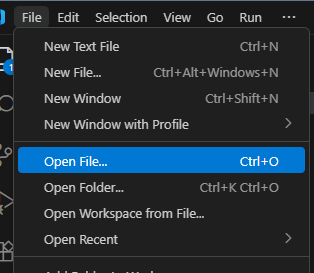
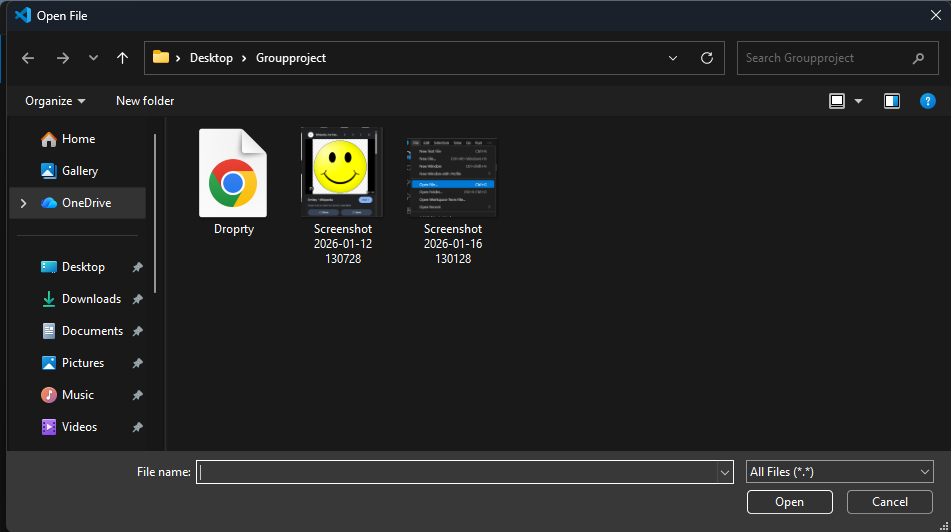
Step 3:
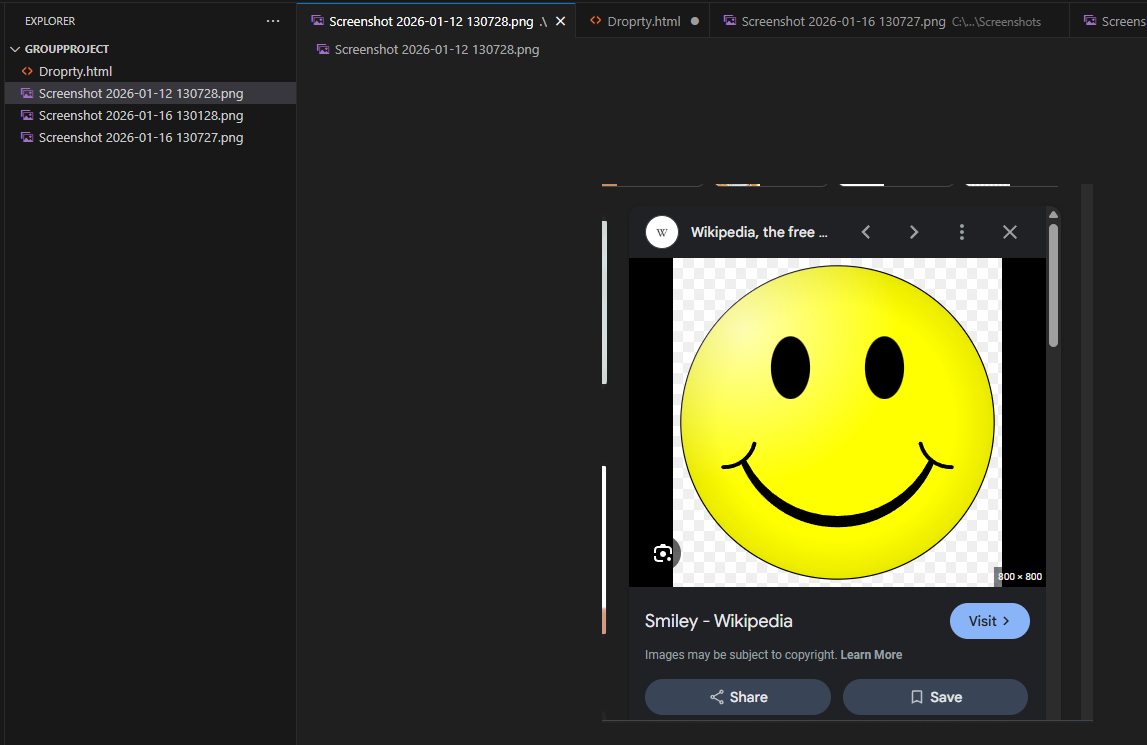
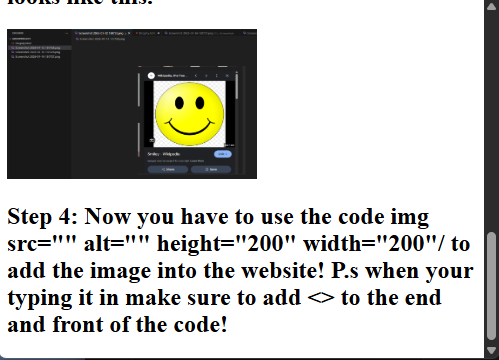
Then you need to drag the Screenshot from the top of the page to the side so that it looks like this.
Step 4:
Now you have to use the code img src="" alt="" height="200" width="200"/ to add the image into the
website! P.s when your typing it in make sure to add <> to the end and front of the code!
Now your done!!!